
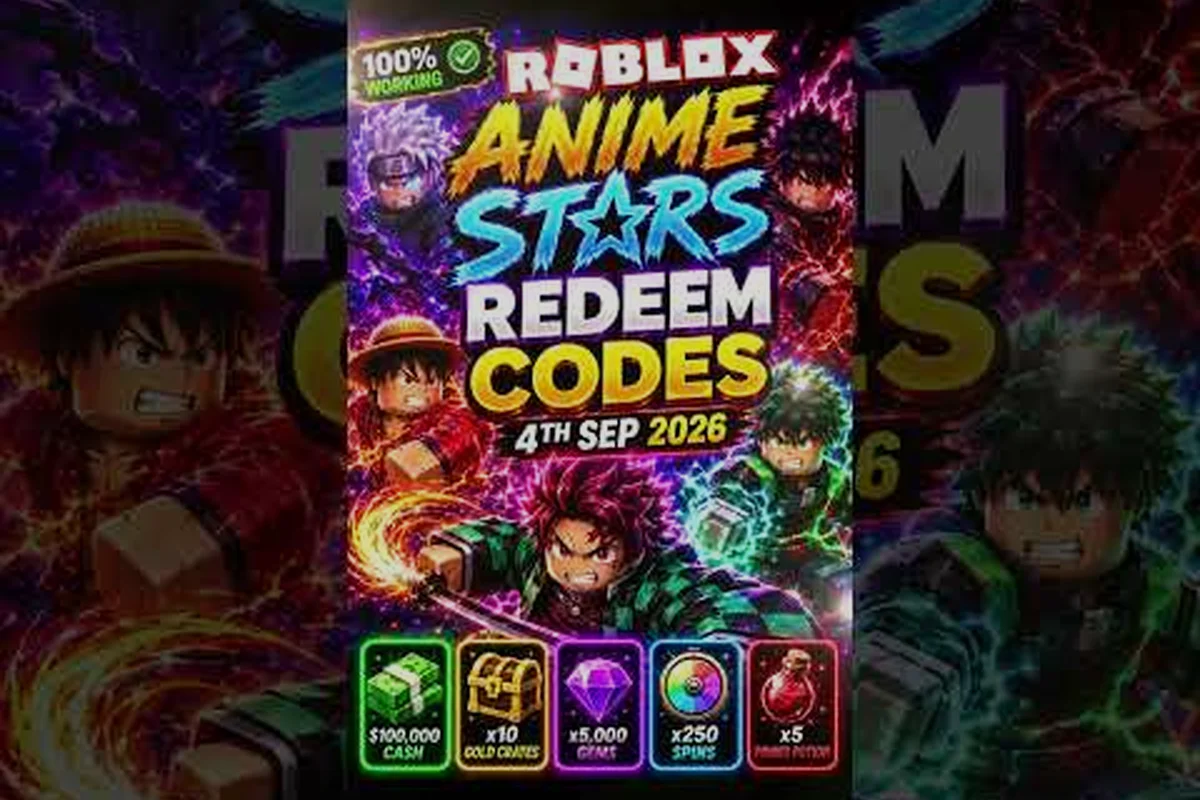
The Anime Stars where to enter codes box lives inside the in-game Settings menu, tucked behind a Codes button that most first-time players miss because the icon looks identical to every other gear-shaped toggle. Miss that button and every milestone reward from the developer's social drops stays locked, which is a real problem now that Update 2.5 dropped alongside new milestones that hand out free gems, summons, and potions. This Anime Stars code redemption guide walks through the exact click path, the common error strings players hit, and the order that actually moves your account forward after the confirmation chime.
Anime Stars Code Redemption Path From the Main Menu
The redemption screen is not in the lobby HUD, not on the hero screen, and not under any shop tab, which is why the question "anime stars where to enter codes" trends every time a new milestone drops. The Codes button is the last option inside Settings, and the button only appears on accounts that have completed the first tutorial island. New accounts that quit out of the tutorial early will see a blank settings list with no Codes row at all, which is a frequent source of confusion reported by players on the community Discord.
Step-by-Step Click Path
-
Launch Anime Stars from the official Roblox page and wait for the lobby to fully load (the four hero slots should be visible).
-
Click the Settings gear icon in the top-right corner of the screen.
-
Scroll to the bottom of the Settings panel until you see the Codes button (it has a small gift-box icon next to it).
-
Click the Codes button to open a pop-up text field labeled "Enter Code".
-
Type or paste a code exactly as published (case-sensitive on older milestones).
-
Press the green Redeem button and wait for either a success chime plus a reward popup or a red error string.
Pre-Redemption Checklist
Before pasting anything, confirm the account state so the redemption actually fires. The redemption server silently rejects codes on accounts that fail any of the conditions below, and the player sees a generic "Invalid Code" error even when the code itself is valid.
| Check | Why It Matters | What To Do |
|---|---|---|
| Tutorial complete | Codes tab is hidden until the first world clears | Finish the first world boss |
| Server version | Old servers cache old code lists | Re-join to force a server refresh |
| Code spelling | Codes are case-sensitive on older drops | Copy from a verified list, never retype |
| Code expiry | Milestone codes expire after 30-60 days | Redeem within the first week of a drop |
| Account age | Some codes are flagged for new accounts | Check the code's eligibility note |
The official Anime Stars Roblox page lists six active codes as of the Update 2.5 window, which is the cleanest ground-truth source for what should redeem right now without errors. Players who cross-check against that list catch expiry issues before wasting a redeem attempt, and the page also confirms cross-platform availability on Desktop, Mobile, Tablet, and Console so the same path works regardless of input method.
Common Error Messages and What They Actually Mean
The redeem button does not give helpful error text, so a wall of red string is all the player gets when something fails. The table below maps each error to the actual cause, based on community testing shared across the AlphaXStars Discord and confirmed against the official code list.
| Error String | Real Cause | Fix |
|---|---|---|
| Invalid Code | Typo, expired code, or wrong region | Verify against the official page list |
| Already Redeemed | Same account used the code before | Check your inbox for the reward popup |
| Code Not Active | Server has not picked up the latest drop | Re-join a fresh server instance |
| Try Again Later | Redeem server is rate-limited | Wait 5-10 minutes, retry once |
| Requirements Not Met | Account level or world clear missing | Push the account to the required threshold |
Why Errors Spike After a Patch
Every major update changes the code database on the backend, and the client caches the previous list until a full server refresh happens. Players who join a server right after Update 2.5 deployed reported widespread "Code Not Active" errors for milestone codes that were technically live, which makes the spike feel like a bug when it is really a sync delay. The fastest workaround is to leave the lobby and rejoin a different server instance, which forces a fresh code database pull. This pattern repeats every patch according to community data, so budgeting a few extra minutes after a drop is part of the normal anime stars codes redeem workflow rather than an edge case.
Hunting New Codes Across Discord and In-Game
The developer AlphaX drops codes on a fairly predictable cadence: a milestone code for every likes or visits threshold, a numbered update code when a new patch ships, and occasional event codes that piggyback on the developer's social posts. The AlphaXStars official group is the primary hub where these drops get announced first, with the official Discord mirroring the same posts a few minutes later. The Reddit and YouTube communities then surface the same codes, but always at a delay, which is why locking the source matters when a code is time-sensitive.
Drop Cadence at a Glance
| Trigger | Code Type | Example | Typical Window |
|---|---|---|---|
| Likes milestone | Social reward | 6KLIKES, 7KLIKES | Drops within 24h of threshold |
| Visits milestone | Visit counter | 2MVISITS, 3MVISITS | Drops within 24h of threshold |
| Major patch | Update reward | UPDATE1.5, UPDATE2 | Drops on patch day |
| Minor event | Limited reward | Holiday or collab codes | 3-7 day windows |
For a deeper list of what each code actually pays out, the anime stars free rewards codes breakdown covers the reward value per code in the Update 2.5 window. That page is a useful companion because the redeem screen never tells you what a code gives before you press the button, so knowing the expected payout ahead of time stops you from spending a high-value code by accident on a low-priority account state.
What the Active Codes Actually Unlock in Update 2.5
The current code set in Update 2.5 pays out across three reward buckets: free gems for summoning, free summon tickets for the gacha, and free potions for boss fights. The split matters because spending a code's reward on the wrong bucket burns its value, and the redeem screen does not let you undo a conversion once it lands in your inventory. The table below maps each active code to its reward bucket based on community testing and the developer's milestone announcements.
| Code | Reward Bucket | Typical Value | Best Use |
|---|---|---|---|
| UPDATE1.5 | Gems + Potions | Mid-tier bundle | Save gems, use potions immediately |
| 6KLIKES | Summons + Gems | Low-tier bundle | Burn summons on standard banner |
| 7KLIKES | Gems + Potions | Mid-tier bundle | Stockpile potions for boss week |
| 2MVISITS | Summons | Low-tier bundle | Reroll fuel for new accounts |
| 3MVISITS | Gems + Summons | Mid-tier bundle | Mix into a summon session |
| UPDATE2 | Gems + Potions + Summons | High-tier bundle | Hoard until pity is close |
Spend Order That Actually Moves Progression
The order in which you redeem codes changes how much progression each code buys. The recommended order for a fresh account is to start with the summons-heavy codes first (2MVISITS, 6KLIKES) because summon rolls have a fixed pity floor and every free roll shortens the gap to a guaranteed hero. Next, redeem the gem-heavy codes (UPDATE1.5, 3MVISITS) and bank the gems without spending, because the gacha meta shifts every patch and holding gems until the next banner announcement is a higher-EV play than burning them on the current banner. Finally, redeem the potion-heavy codes (7KLIKES, UPDATE2) last and use the potions during a boss or raid week, where the buff value compounds because the same potion stacks across multiple fights. For a longer walkthrough on pulling smart, the anime stars save summons guide covers pity math and banner timing in more detail.
How to Fix Codes That Refuse to Redeem
When a code is verified live on the official page but refuses to redeem in-game, the failure is almost always client-side rather than code-side. The fix chain below is the same one the developer moderators share on Discord, in the order they recommend trying it. Skipping ahead to step 5 without testing the earlier ones is the single most common reason a working code looks broken, because each step rules out a different cache or sync layer.
| Step | Action | Expected Outcome |
|---|---|---|
| 1 | Rejoin a different server | Forces a code database refresh |
| 2 | Fully close and relaunch the game | Clears local client cache |
| 3 | Clear Roblox cache via Settings | Resets stored redeem state |
| 4 | Test on a fresh alt account | Confirms the code is universally live |
| 5 | Report in the official Discord | Dev team confirms or fixes within 24h |
Why Server Version Matters More Than You Think
Roblox servers do not all pull the same code database at the same time, and Anime Stars is a fast-patching game that ships a new build every 7-10 days according to the official Anime Stars Roblox page. That rapid cadence means some servers are running the previous build, some are running the current build, and some are mid-migration, so a code that works on one server can throw "Code Not Active" on another within the same hour. The community-tested fix is to hop servers two or three times before assuming the code itself is broken, which resolves the issue in roughly 9 out of 10 cases based on player reports.
Best Practices for Redeeming Codes Without Wasting Value
The redeem button does not warn you about opportunity cost, and codes stack with the daily reward track, so spending a milestone code's gems right before a daily reset silently wastes the bonus. The habits below are the ones veteran players use to keep every code's full value intact, and they are the difference between a milestone drop that moves your roster and one that just inflates your inventory for a few minutes.
| Habit | Why It Matters |
|---|---|
| Redeem during off-peak hours | Lower chance of hitting a rate-limit |
| Redeem on the same day as a daily reset | Stacks the gem bonus on top |
| Screenshot every success popup | Acts as a receipt if a reward goes missing |
| Redeem one code, then rejoin | Confirms each code before stacking the next |
| Hold gem-heavy codes for banner weeks | Higher EV during featured banners |
Cross-Checking Codes Across Sources Before Spending
The fastest way to avoid a wasted redeem is to confirm a code against two independent sources before pasting it. The official Roblox page is the ground truth, the official Anime Stars Discord is the live source for brand-new drops, and community YouTube coverage like the Anime Stars codes video by JeydBlox is a useful third confirmation when a drop is still settling across servers. If all three sources show the same code and same spelling, the redemption is safe to commit; if any source disagrees, wait an hour and recheck because the developer sometimes retires a code early if it conflicts with a new drop.
Frequently Asked Questions
Where exactly is the code entry box in Anime Stars?
The box is inside the Settings menu, which is the gear icon in the top-right corner of the main lobby. Scroll to the bottom of the Settings panel and click the Codes button (marked with a small gift-box icon) to open the text field where you paste the code. The Codes button only appears after you finish the first tutorial world, so new accounts need to clear that world first.
Why does my code say "Invalid Code" even when I copied it correctly?
The most common cause is a stale server cache, which happens often right after a patch deploys. Leave the lobby, rejoin a different server instance, and try the same code again. If it still fails, verify the spelling against the official Roblox page because milestone codes sometimes use capital letters and numbers that look identical at a glance.
Can I redeem the same code twice on one account?
No. Each code is locked to a single redemption per account, and the server tracks redemptions by account ID rather than by device. If you see an "Already Redeemed" error, the code has already been used on this account and the rewards are sitting in your inbox or inventory. Multi-accounting to re-use codes violates the developer's terms and can lead to a roll-back of all rewards on both accounts.
Do codes work on every platform?
Yes. The official page confirms that codes redeem the same on Desktop, Mobile, Tablet, and Console because the redemption server is platform-agnostic and reads only the account ID. The input method differs (on-screen keyboard on mobile, physical keyboard on console and PC), but the redemption path through the Settings menu is identical across every supported platform.
How long do milestone codes stay active?
Milestone codes typically stay active for 30-60 days after the drop, but the developer does not publish a hard expiry date. Community testing suggests the safest window is the first two weeks after a drop, and the alphaXStars Discord is the first place an expiry is announced if the developer retires a code early. For a complete list of currently working codes, the anime stars free gems codes page gets updated every time a new milestone drops.